Stylish Name Generator – Create Your Name Style in Seconds
Stylish Name Generator
Type your name and get 1000+ instant Unicode styles — Instagram, Free Fire, PUBG, Facebook, Love, Gaming, Brand, Baby and 30+ more.
No style category matches that search.
Popular Stylish Names
The most-used styles across every category, all in one place.
Love Stylish Names
Romantic names for couples, bios, and Valentine posts.
Free Fire Stylish Names
Kill-feed ready names with borders & Unicode fonts.
Stylish Stylish Names
Clean, elegant name treatments for any profile.
Sad Stylish Names
Moody, emotional styles for a heartbreak caption.
Star Stylish Names
Sparkly, celestial name styles.
Happy Stylish Names
Cheerful, upbeat name styles.
Simple Stylish Names
Minimal name styling — clean fonts, no clutter.
Cool Stylish Names
Confident, edgy name styles.
Crazy Stylish Names
Wild, chaotic name styles.
Fancy Stylish Names
Ornate, decorative border styles.
Gaming Stylish Names
General gaming names for any lobby or platform.
Boxed Stylish Names
Names wrapped in bracket & box-drawing characters.
Birthday Stylish Names
Party-ready styles for a birthday shoutout.
Thanks Stylish Names
Gratitude and appreciation styles.
Party Stylish Names
High-energy names for events and celebrations.
Cute Stylish Names
Adorable, soft name styles.
Serious Stylish Names
Sober, professional-looking name treatments.
Junior Stylish Names
Playful styles for a kid-friendly profile.
Sweet Stylish Names
Candy-coated, dessert-themed styles.
Ugly Stylish Names
Gross-out, joke styles for trolling friends.
Weird Stylish Names
Strange, surreal name styles.
Small Stylish Names
Tiny, compact-looking text styles.
Lines Stylish Names
Names framed with straight rule characters.
Hello Stylish Names
Friendly greeting-style names.
Sword Stylish Names
Blade & weapon-themed gaming styles.
Sport Stylish Names
Athletic, competitive name styles.
Enemy Stylish Names
Dark, villain-style gaming names.
Gun Stylish Names
Shooter/FPS-inspired name styles.
Key Stylish Names
Lock-and-key themed name styles.
Gym Stylish Names
Fitness and workout-themed name styles.
Board Stylish Names
Clean, signboard-style name treatments.
Italic Stylish Names
Slanted, cursive-leaning font styles.
Magic Stylish Names
Mystical, fantasy-inspired name styles.
AI Ideas Stylish Names
Futuristic, tech-inspired name styles.
TikTok Stylish Names
Short-form video style handles.
Instagram Stylish Names
Aesthetic Unicode names for your bio & handle.
WhatsApp Stylish Names
Clean display-name styles for chats & groups.
Facebook Stylish Names
Unique Unicode fonts for groups & comment threads.
PUBG Stylish Names
Sharp lobby-ready names with military symbols.
Fancy Font Stylish Names
A showcase of every ornate Unicode font style.
Designer Stylish Names
Creative, studio-branded name treatments.
Fancy Font Designer Stylish Names
Fancy fonts paired with designer-style framing.
Pretty Stylish Names
Delicate, pretty name styles.
Tattoo Stylish Names
Bold, ink-inspired name styles.
Emoji Stylish Names
Playful emoji-wrapped name styles.
Upside Down Stylish Names
Flipped, mirrored text styles.
Brand Stylish Names
Clean, premium name treatments for a logo or handle.
Baby Stylish Names
Soft, cute styles for a baby name announcement.
Turn plain text into a stylish name using Unicode characters — bold, cursive, gothic, and symbols — then paste it into your Instagram bio, Free Fire MAX ID, BGMI username, or WhatsApp profile. No signup, no app, no cost. Type yours below.
What Is a Stylish Name?
A stylish name is your regular name converted into decorative Unicode characters — bold, italic, script, or gothic letterforms combined with symbols — so it displays differently from plain text while staying readable everywhere.
Here is the part most people miss: this is not a font file and not an image. Every letter is a real Unicode character, the same standard behind emoji. That is why your fancy name pastes anywhere normal text goes — a bio, a username field, a clan chat — and shows up on other people’s phones. Our generator works as a text converter: type “Aarav” and get 𝓐𝓪𝓻𝓪𝓿, 𝕬𝖆𝖗𝖆𝖛, or ꧁༺ Aᥲrᥲv ༻꧂ in real time.
How to Create a Stylish Name
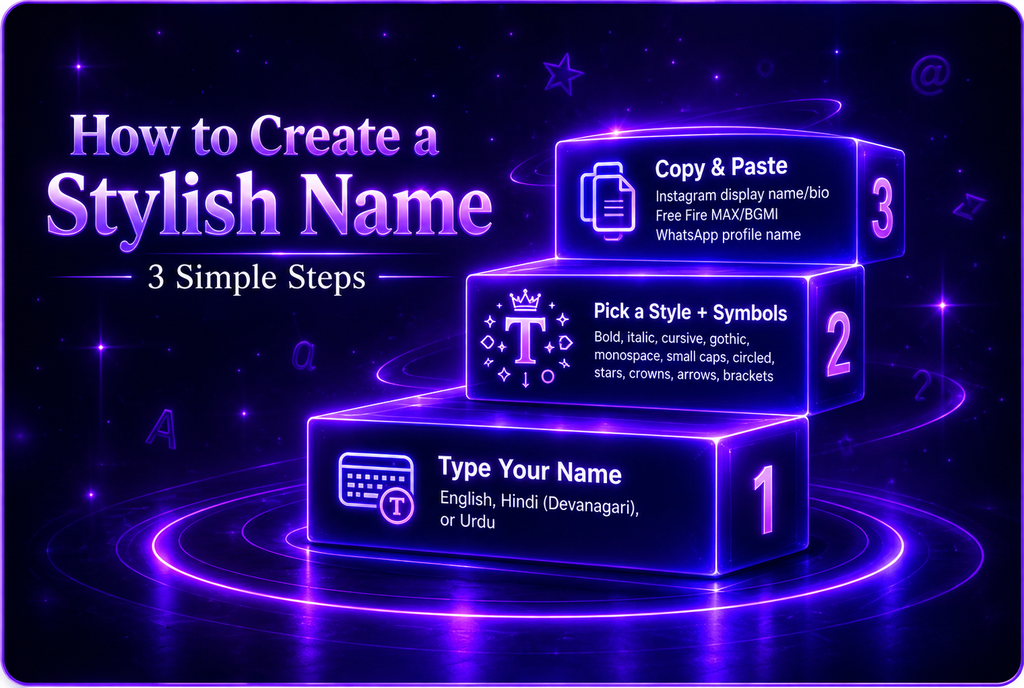
The whole process takes under a minute:
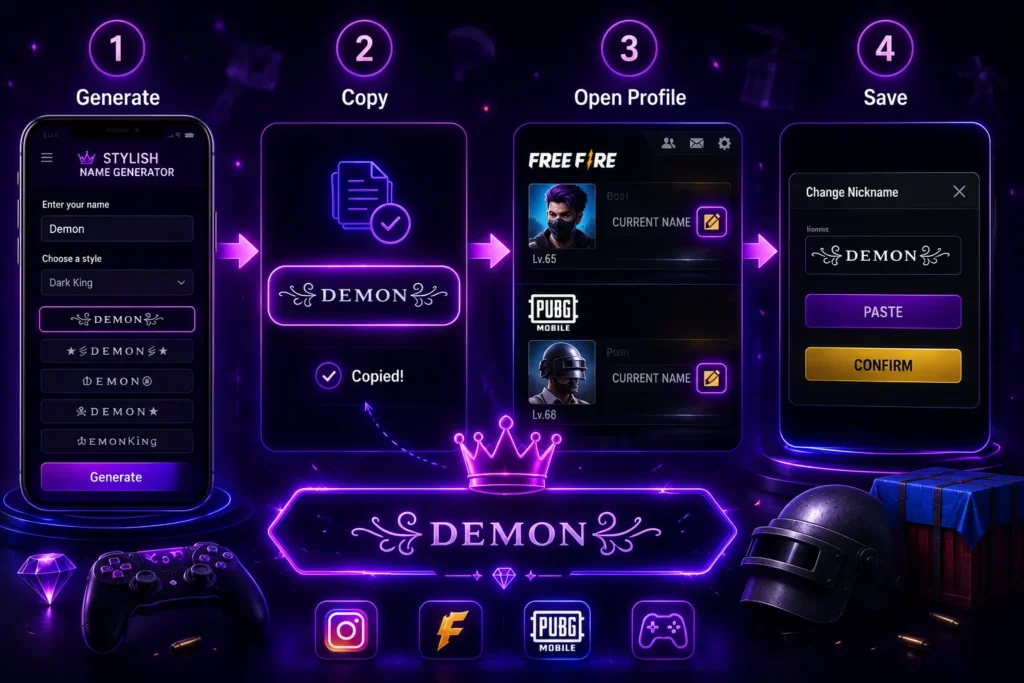
- Type your name. English, Hindi in Devanagari, or Urdu all work — your device’s own keyboard handles the typing, and you can frame Hindi text with decorative symbols.
- Pick a style and add symbols. Browse bold, italic, cursive, gothic, monospace, small caps, circled, and more, then add stars, crowns, arrows, or brackets. Keep it short: apps enforce character limits (see the table below), so one style plus one or two symbols is the sweet spot.
- Copy and paste. On Instagram, paste into your display name or bio — the @username field only accepts plain letters, numbers, periods, and underscores. In Free Fire MAX and BGMI, paste while using a Rename Card from your inventory. On WhatsApp, paste into your profile name in Settings.
Which Symbols Display Properly on Most Phones
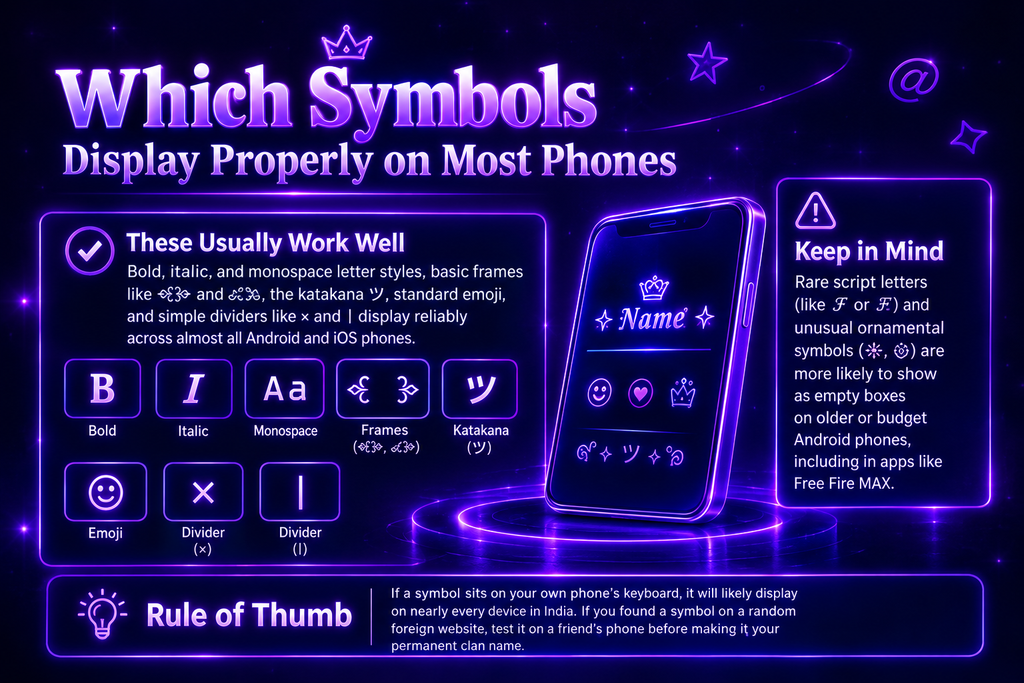
Not every Unicode symbol shows up the same way on every device. As a general rule: bold, italic, and monospace letter styles, basic frames like ꧁꧂ and ༺༻, the katakana ツ, standard emoji, and simple dividers like × and | display reliably across almost all Android and iOS phones. Rare script letters (like 𝓯 or 𝕱) and unusual ornamental symbols (✵, ۞) are more likely to show as empty boxes on older or budget Android phones, including in apps like Free Fire MAX. Rule of thumb: if a symbol sits on your own phone’s keyboard, it will likely display on nearly every device in India. If you found a symbol on a random foreign website, test it on a friend’s phone before making it your permanent clan name.
Platform Limits at a Glance
Every app enforces its own rules — this table is why names that work on Instagram sometimes fail in Free Fire MAX:
- Instagram — @username capped at 30 characters (plain letters, numbers, periods, underscores only); display name and bio have their own separate limits that Instagram updates occasionally, so check the current limit in the app.
- WhatsApp — profile name capped at 25 characters; keep decorative frames minimal.
- Free Fire MAX — shorter nickname field than Instagram; name changes need a Rename Card, available for 39 Diamonds + 200 Guild Tokens from the Guild Store, or free from events.
- BGMI / PUBG Mobile — Rename Card costs 180 UC (a small top-up pack covers it); only one rename per 24 hours, so paste carefully.
- IMO / Truecaller — accept full Unicode; no practical limit you’ll hit.
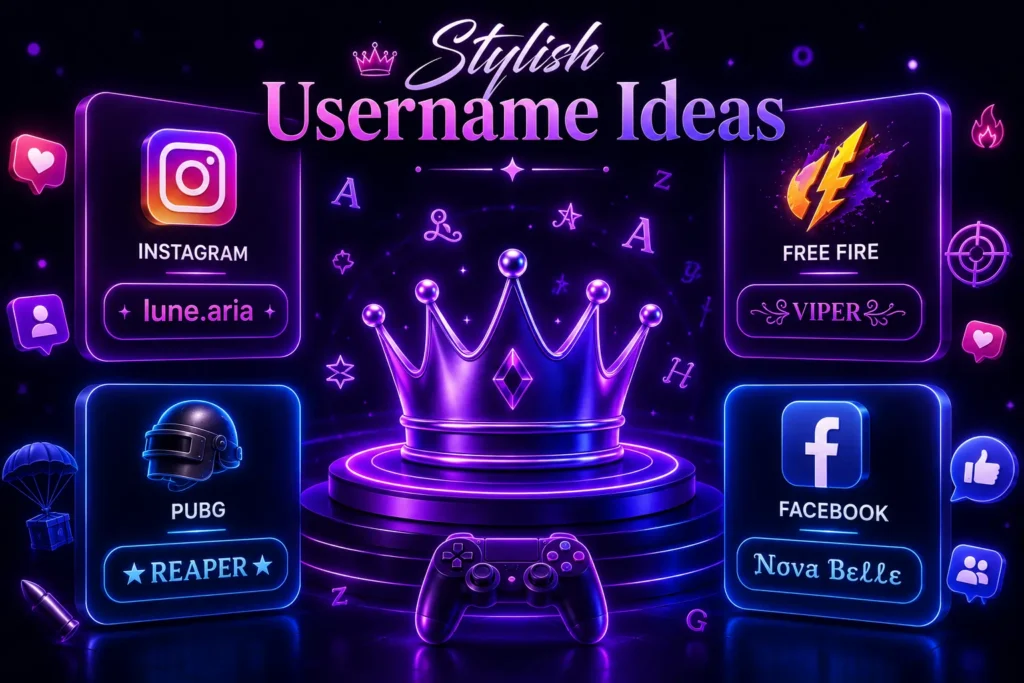
Where Can You Use Your Styled Text?
One fancy name covers nearly every app Indian users spend time on:
Instagram. Paste it into your display name or bio so your profile stands out in comments, tags, and search. Instagram-specific styles and bio-ready combos: Instagram hub
Gaming IDs. Your in-game name is how teammates and opponents recognize you on the leaderboard and kill feed. Game-ready names with symbols that paste cleanly: Free Fire MAX hub · BGMI hub · PUBG hub.
Facebook. Use a decorative username for your profile or page display name.
WhatsApp, Truecaller, YouTube, IMO. Profile names on all four accept Unicode text — one generated name works everywhere.
Explore by Category
Know the exact name you want to style? Our hubs collect ready-made designs in one place:
Personal Name Hub — styled versions of popular Indian names for boys and girls.
Religious & Community Name Hub — devotional and community-themed creative names.
Occasions Hub — name designs for birthdays, festivals, and celebrations.
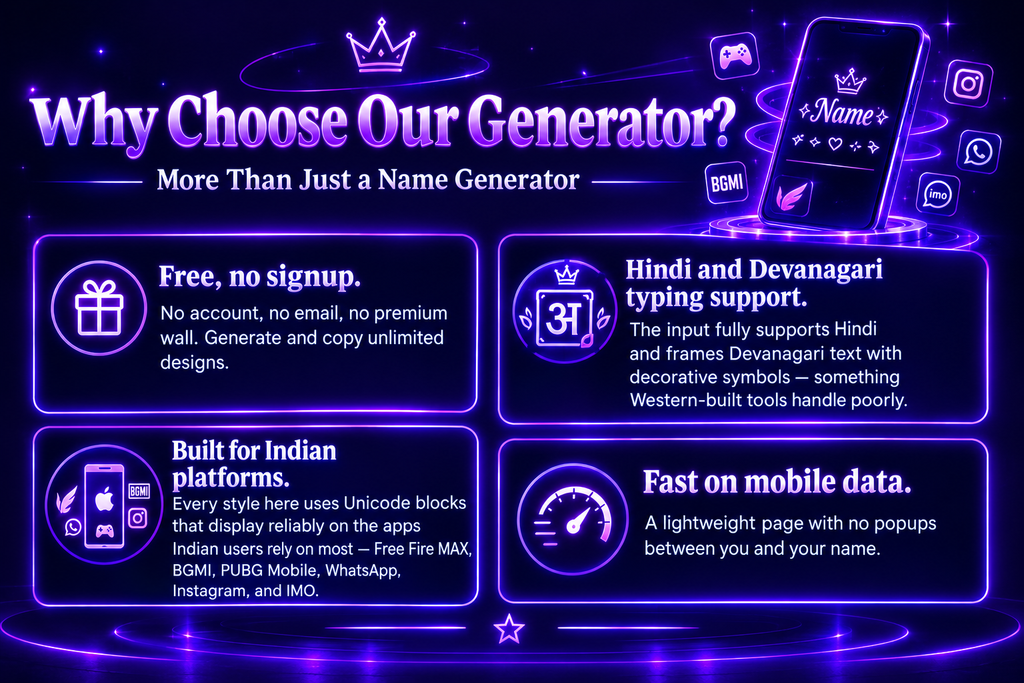
Why Choose Our Generator?
Most stylish name makers do the same basic conversion. Ours is built around how people in India actually use names:
Free, no signup. No account, no email, no premium wall. Generate and copy unlimited designs.
Hindi and Devanagari typing support. The input fully supports Hindi and frames Devanagari text with decorative symbols — something Western-built tools handle poorly.
Built for Indian platforms. Every style here uses Unicode blocks that display reliably on the apps Indian users rely on most — Free Fire MAX, BGMI, PUBG Mobile, WhatsApp, Instagram, and IMO.
Fast on mobile data. A lightweight page with no popups between you and your name.
Fonts & Symbols
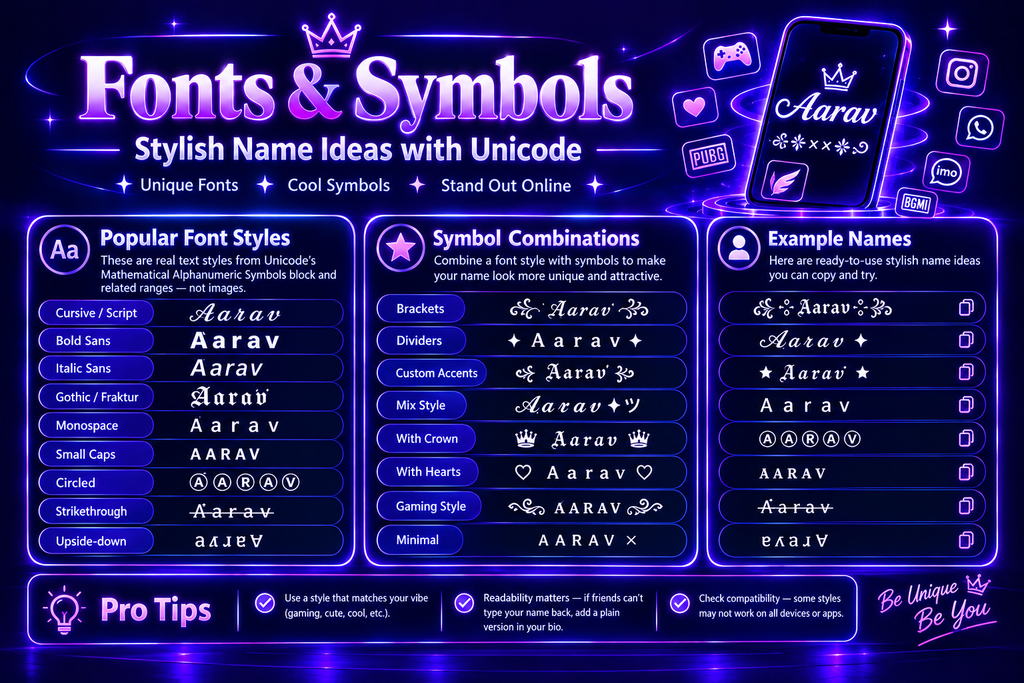
Every font style here comes from Unicode’s Mathematical Alphanumeric Symbols block and related ranges — real text, not pictures. Popular options:
- Cursive and script — 𝒜𝒶𝓇𝒶𝓋, ideal for bios and DPs.
- Bold and italic sans — 𝗔𝗮𝗿𝗮𝘃 and 𝘈𝘢𝘳𝘢𝘷, the most widely supported on old phones.
- Gothic / Fraktur — 𝕬𝖆𝖗𝖆𝖛, a Free Fire MAX and PUBG clan favorite.
- Monospace, small caps, circled — Aarav, ᴀᴀʀᴀᴠ, Ⓐⓐⓡⓐⓥ.
- Strikethrough and upside-down — for standout bios.
For name design, combine a style with symbols — brackets like ꧁ ꧂ and ༺ ༻, dividers like × and ツ, accents like ✦. Readability matters: if friends can’t type your name back to search for you, add a plain version in your bio.
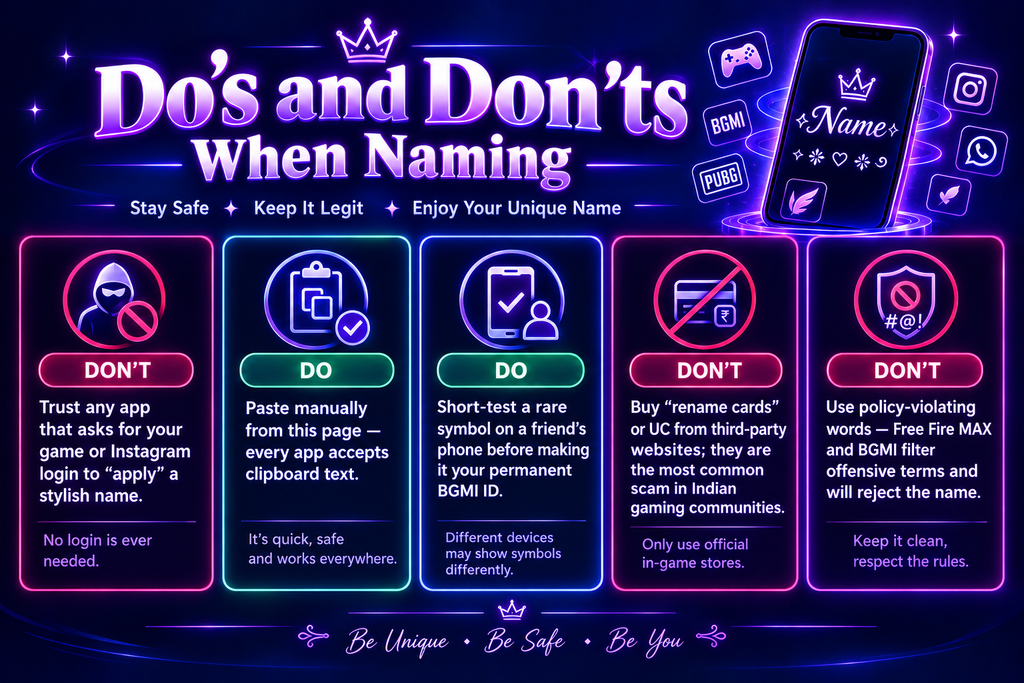
Do’s and Don’ts When Naming
Don’t trust any app that asks for your game or Instagram login to “apply” a stylish name. No login is ever needed.
Do paste manually from this page — every app accepts clipboard text.
Do short-test a rare symbol on a friend’s phone before making it your permanent BGMI ID.
Don’t buy “rename cards” or UC from third-party websites; they are the most common scam in Indian gaming communities.
Don’t use policy-violating words — Free Fire MAX and BGMI filter offensive terms and will reject the name.
Frequently Asked Questions
Final Thoughts
A creative name is not about being fancy. It is about being remembered. The right name sticks in someone’s head after the first time they hear it. It works on a business card, a game profile, and a birth certificate without losing anything. It does not need a trend to stay relevant – because it was never tied to one. Whether you are naming a baby, building a brand, or creating a cool, stylish username — the rules are the same. Short, clear, speak out loud. Easy to find online.
Use this guide as your starting point. Use our free generator when you are ready to build.
→ Try the Free Stylish Name Generator
Reviewed by the StylishNamesHub Editorial Team · Updated September 2026.